Open source. Local-first. No account.
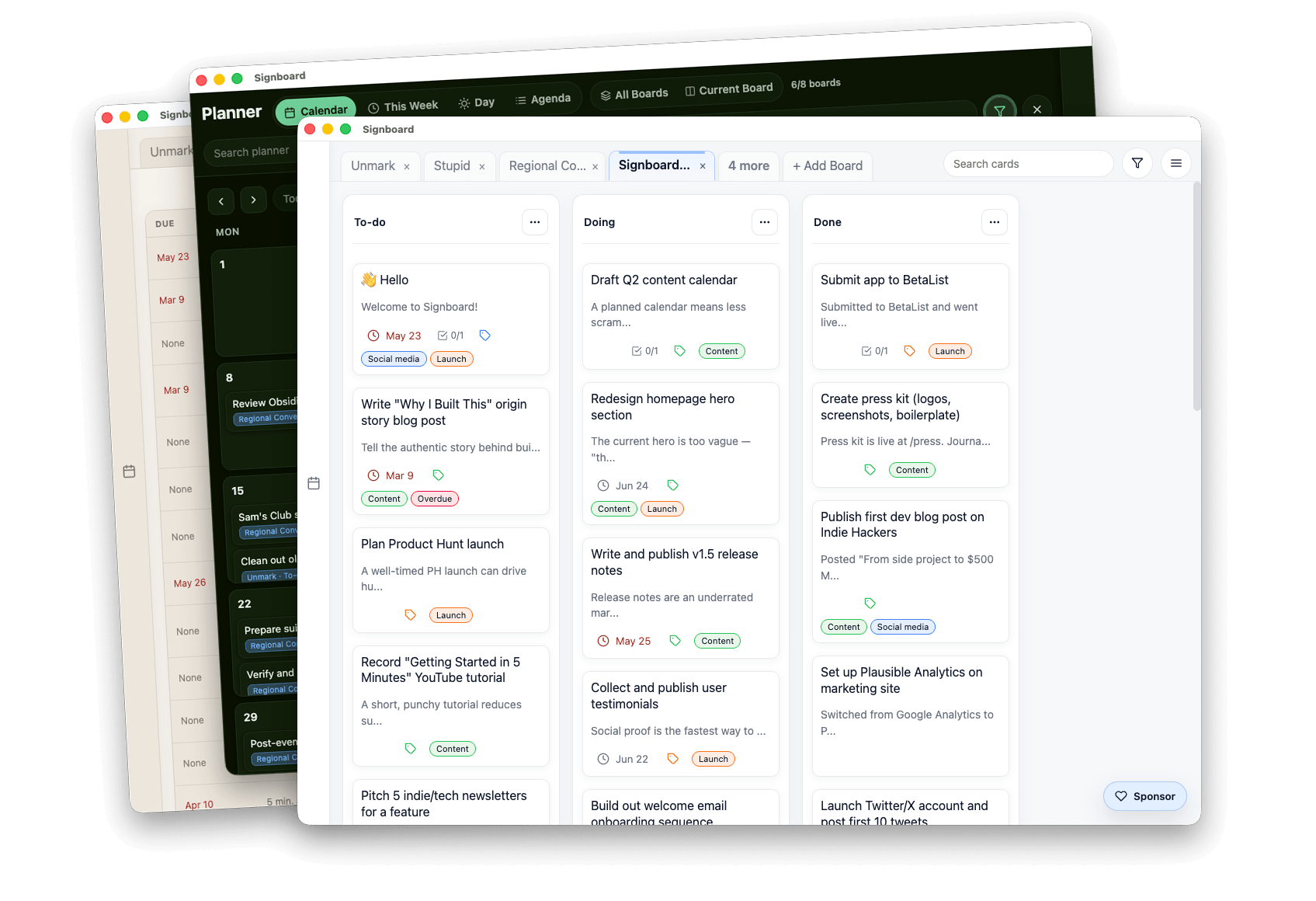
Signboard is a local-first productivity app with Kanban, Table, and Planner views that writes Markdown files.
Your work stays private, portable, and agent ready.
New in 1.7.3: Draggable boards, Speed improvements
Runs on macOS, Linux, Windows, ARM, x86.
View more download options.
Free for personal use
Thanks in advance for your support.

Why build Signboard?
I built Signboard to get more done and not be dependent on the cloud.
I was inspired by the “file over app” philosophy and my love of visual planning tools.
Each card in Signboard is a Markdown file in a folder on your computer. As you move cards from one list to another the Markdown file moves between folders.
In a world of agents, CLIs, and MCP servers you can directly interact with all of your Signboard data seamlessly on any desktop platform.
Use the app, your text editor, the terminal, Claude, Codex, Gemini, OpenCode or any agent without moving your work into a private database.
Click to zoom
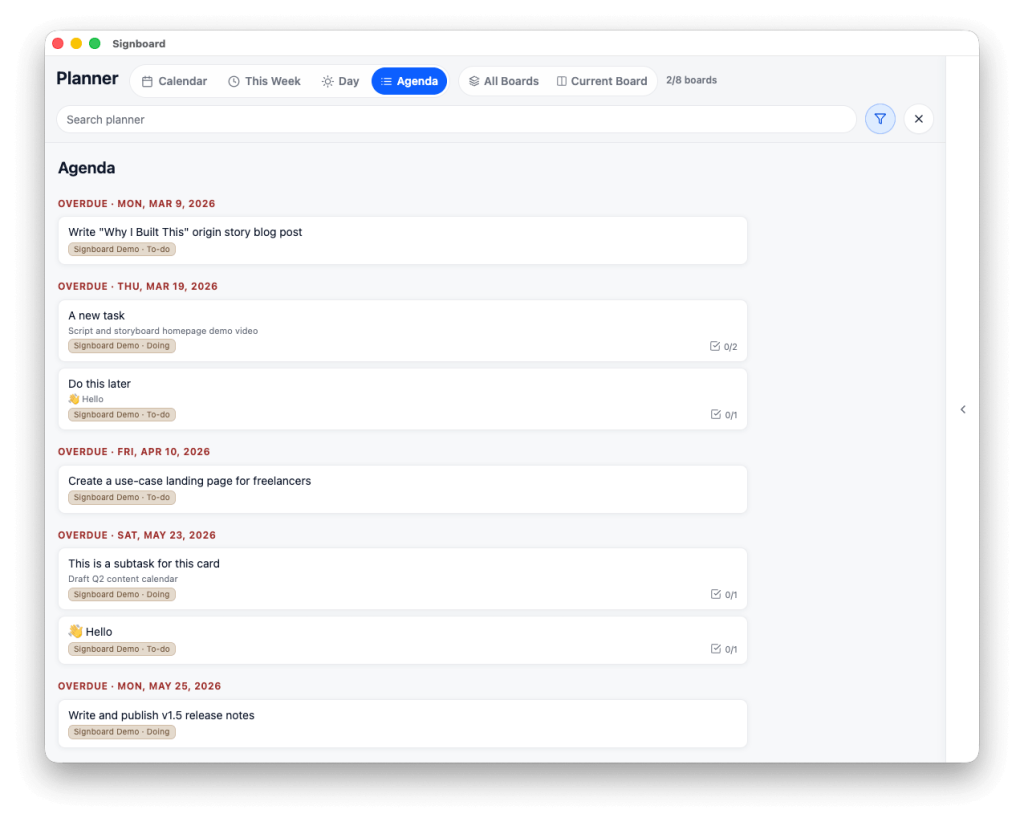
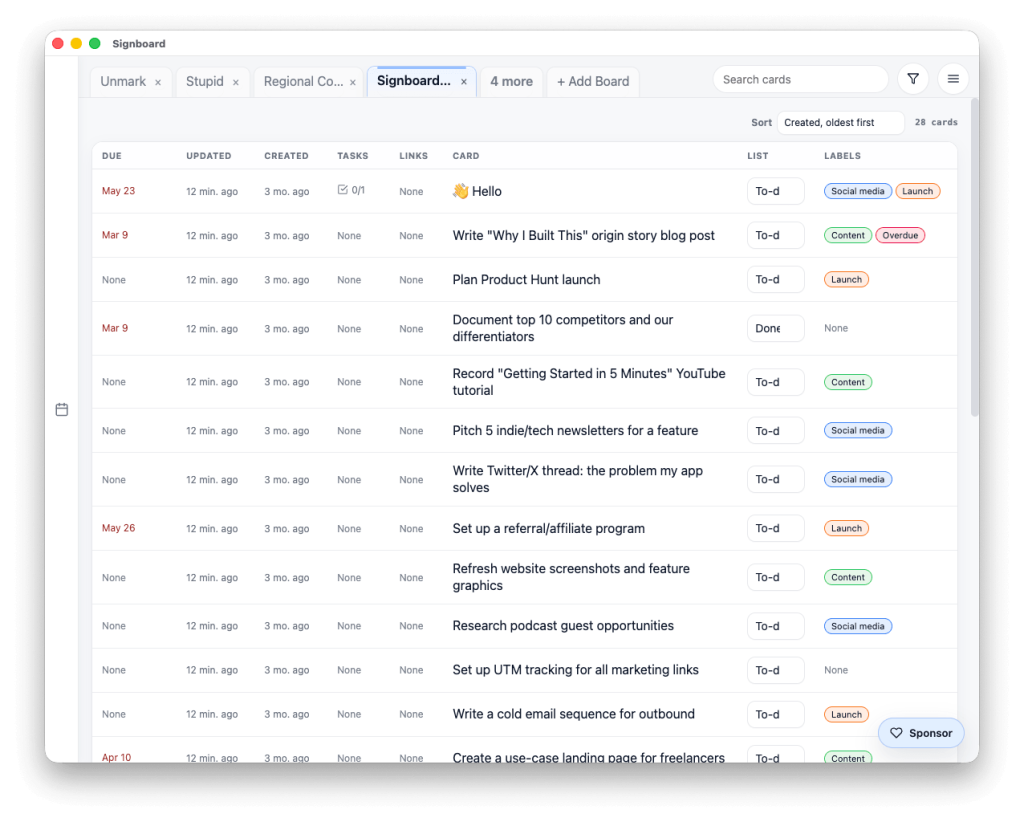
Kanban, Table, and Planner Views
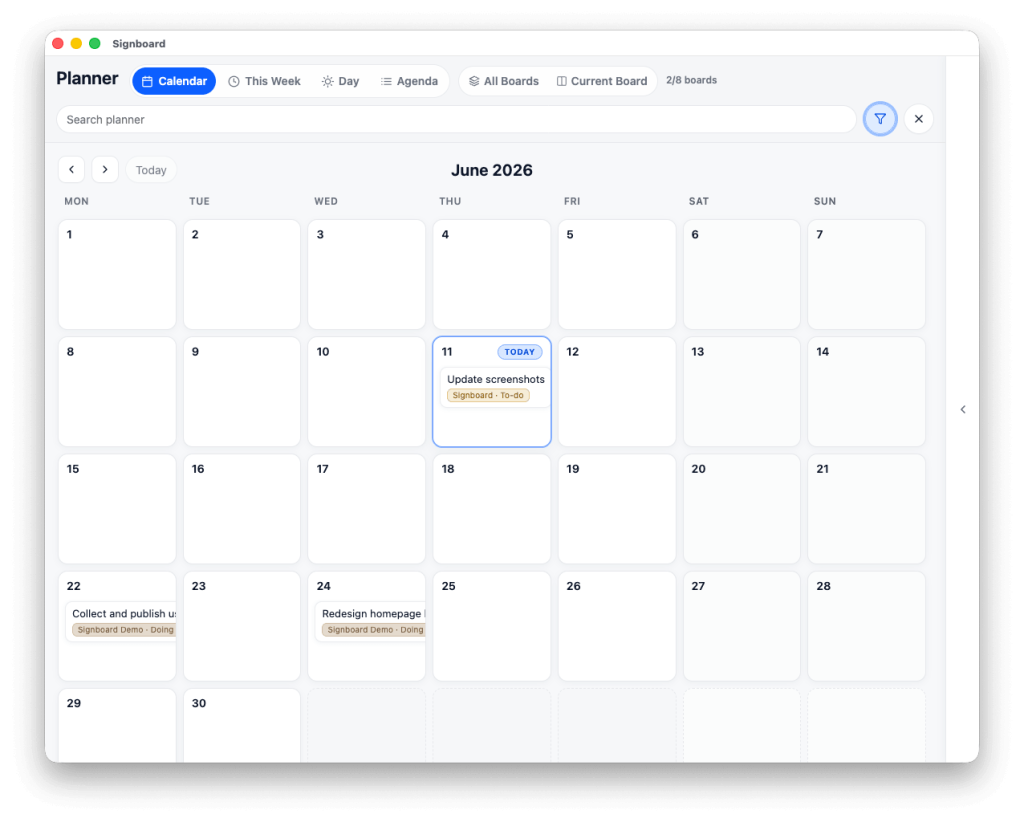
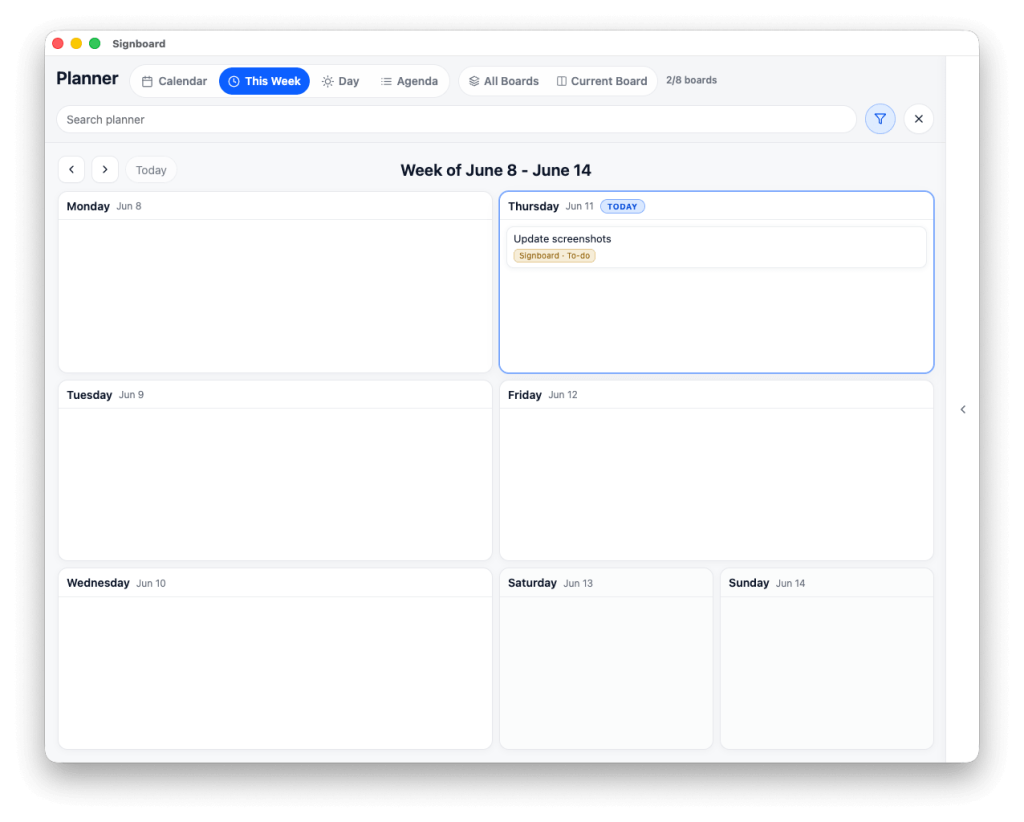
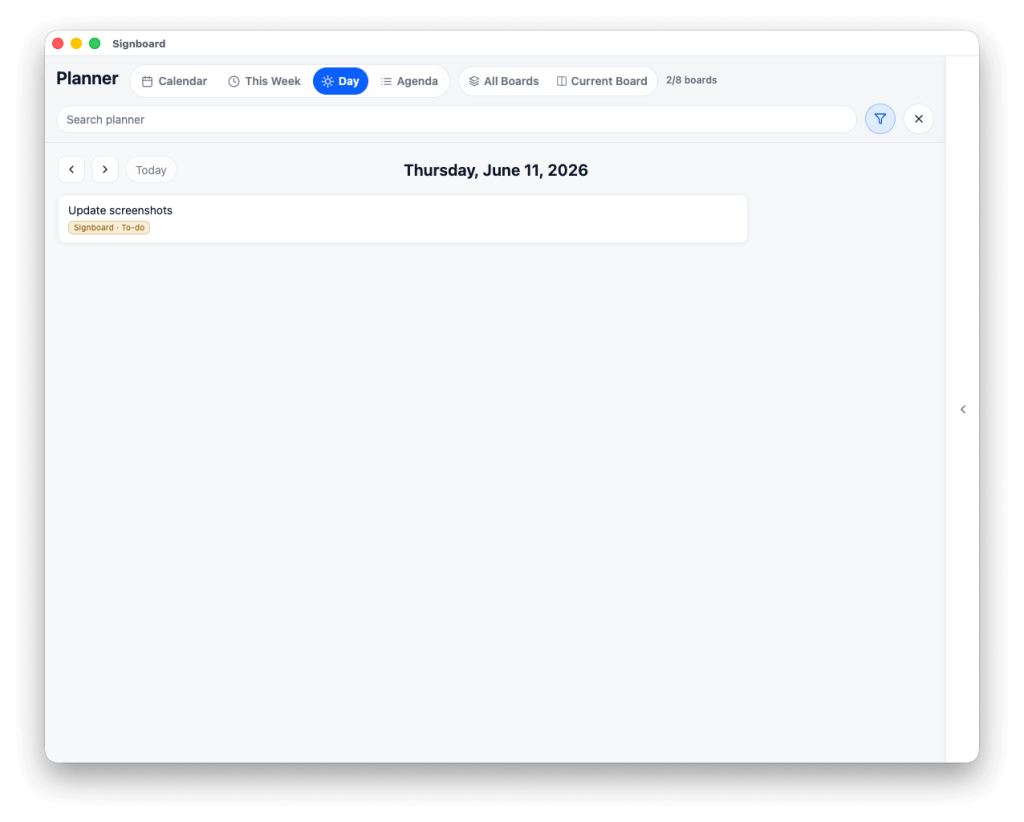
Use Kanban for drag-and-drop flow, Table for dense scanning and age sorting, and Planner for Calendar, This Week, Day, and Agenda views across your open boards.
Features
A little something for everyone.
✨Smart Actions
Use local LLMs to perform smart actions on cards.
Task Checklists
Use Markdown checkboxes with progress counters and task-level due dates.
Kanban & Table Views
Drag cards through Kanban or scan, move, sort them, and bulk actions in Table.
Planner View
Calendar, This Week, Day, and Agenda views across open boards.
Quick Add
Capture a card into any open board and list without switching first.
Start & Due Dates
Cards and individual tasks can have start and due dates.
💎 Obsidian Integration
Use vault-friendly properties, Bases, deep links, and the companion plugin.
Linked Objects
Attach notes, files, folders, web URLs, app links, and Signboard links.
Notifications & Calendar
Get due reminders or subscribe to the optional local calendar feed.
MCP Server 🤖
Let agents read, plan, and update local boards through structured tools.
CLI
Use signboard from your terminal for scripts, imports, and automation.
Keyboard & Accessibility
Keyboard navigation, status announcements, reduced motion, and forced colors.
Imports
Bring in Trello exports, Obsidian Markdown boards, and Tasks.md workspaces.
Archive & Restore
Archive cards and lists, browse history, and restore them when needed.
Color Schemes
Nine board color schemes, each with light and dark variants.
Search, Filter & Sort
Find cards by text, labels, due status, list, age, and board context.
Install Signboard
Download the latest release from GitHub. Builds are available for macOS, Windows, and Linux.
Signboard is free for personal use ( tip jar ).
Commercial or work use: $49 one-time sponsorship.
devlog
-
Signboard 2.0 will be a line-in-the-sand release. There will be Pro features that are only available to Pro subscribers. The 1.7.x release will always be all free. I’ll likely do a release there that removes the commercial license and keeps the tip jar. Stay tuned! Side note: It is really, really nice.
-
There were issues with Signboard’s updater on Windows and Linux. Those have now been fixed so if you’re running Signboard 1.5.0 or earlier you should be able to update to 1.6.0 now.
-
Signboard 1.6 has shipped. It is so fast.
-
Signboard is my favorite.
-
Signboard 1.5 has more features than you’ll ever use
There is no white-walled room, pre-recorded, distillation of the essence of chamfered edges here… or talk about liquid anything. This post is about how Signboard is quickly becoming so feature-rich you likely won’t use them all. Signboard 1.5 just shipped and the landing page has been updated. This release brings much tighter Obsidian integration (including…
-
I’m trying to record a demo video of all of Signboard’s features, including those that will ship in version 1.5 (coming soon), and I’m just failing miserably. I’ll do it another day. So many great features in this app.
-
A wee bug fix release of Signboard 1.4.1 was just released. I am looking forward to writing and sharing more about this app, and how I and others are using it, very soon. My productivity is through the roof.